
A website redesign should improve the experience without erasing the search visibility your business has already earned. The difference is disciplined migration planning.
Why Website Redesigns Can Affect SEO
Search engines build an understanding of a website over time. Individual URLs earn visibility through useful content, internal links, external references, and consistent technical signals. A redesign often changes several of those elements at once.
Traffic losses do not usually happen because a site looks different. They happen when valuable pages disappear, URLs change without redirects, important copy is removed, navigation becomes harder to crawl, or metadata is replaced with generic text.
The safest approach treats the redesign as both a creative project and a controlled website migration. Design, development, content, analytics, and SEO decisions need to share one launch plan. If you are still choosing who will carry out the redesign, our guide to hiring a web design agency lists the questions to ask.
Explore our custom website servicesA redesign should move the experience forward without erasing the search equity already earned.

Benchmark Performance Before Changing Anything
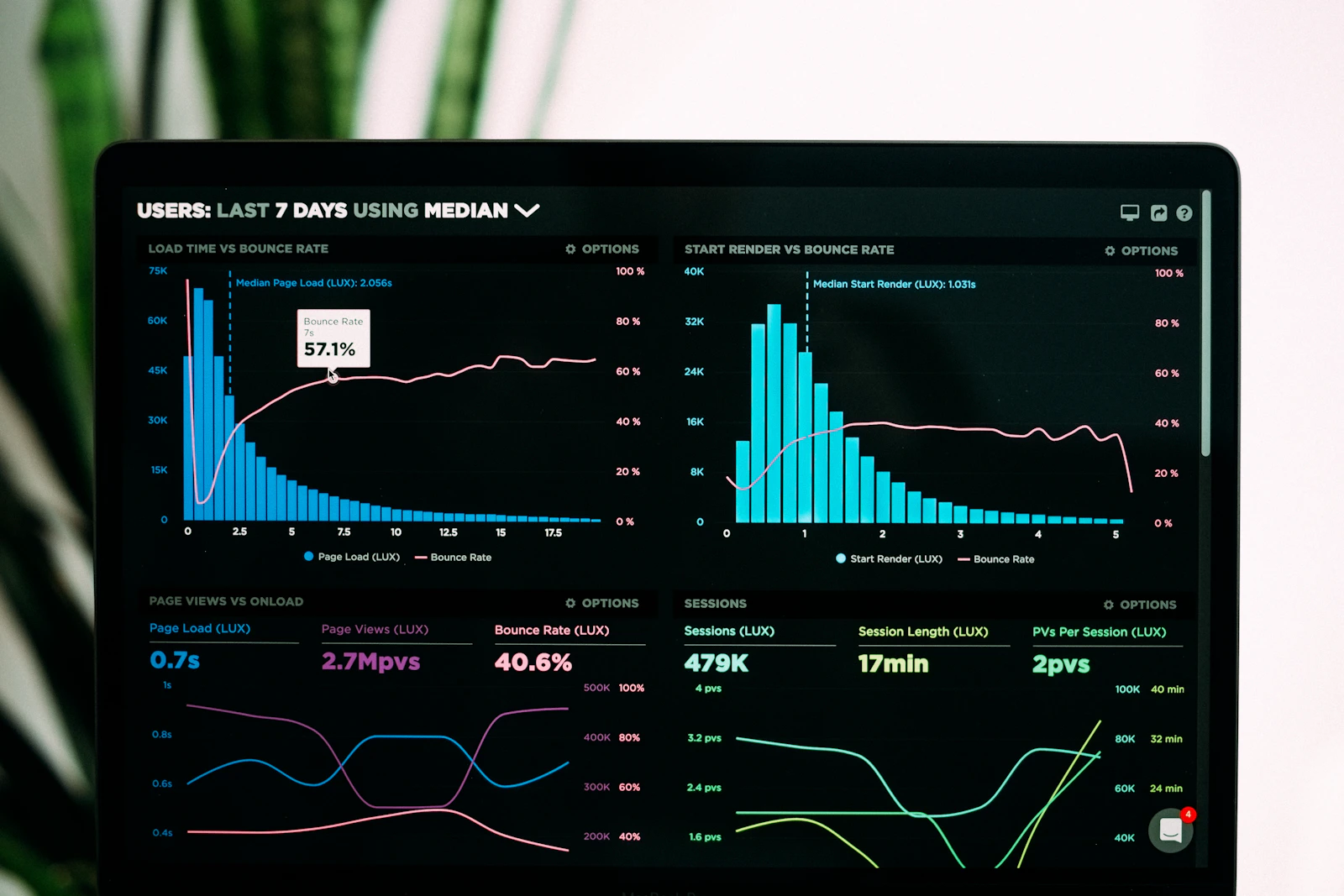
Before design work begins, record what is already performing. Export organic landing pages, search queries, clicks, impressions, conversions, indexed pages, and backlinks. This baseline helps the team identify pages that need extra protection and gives the launch a meaningful comparison point.
Analytics data alone is not enough. Crawl the current website to capture every indexable URL, title tag, meta description, heading, canonical tag, status code, image reference, and internal link. Save the existing XML sitemap and robots.txt file as part of the record.
Mark the pages that generate qualified leads or rank for commercially important searches. These pages should not be removed or substantially rewritten without a clear reason supported by evidence.
Create a Complete URL and Redirect Map
Keeping proven URLs unchanged is the simplest way to preserve continuity. When a URL must change, map the old address to the closest relevant new page with a permanent 301 redirect. Do not send every retired URL to the homepage; that creates a poor experience and weakens topical relevance.
A redirect map should include the current URL, destination URL, reason for the change, and launch status. It becomes the shared reference for developers, content editors, and the team checking the release.
Avoid redirect chains such as an old URL pointing to an intermediate URL before reaching the final page. Each old address should resolve directly to its intended destination.
| Redesign change | SEO-safe action |
|---|---|
| URL remains useful | Keep the existing URL |
| URL structure changes | Add a direct 301 redirect |
| Two similar pages merge | Redirect both to the stronger combined page |
| Content is permanently removed | Use a relevant replacement or return 410 |
| Page moves only in navigation | Update internal links; no redirect needed |
Protect Content That Already Earns Visibility
A redesign is often used to simplify copy, but shorter does not automatically mean clearer or more effective. Review the search intent, headings, supporting sections, FAQs, images, and internal links on every high-value page before editing it.
Preserve the substance that answers important visitor questions. Improve weak or outdated passages, but avoid replacing detailed, useful content with a few lines of promotional language. Search visibility and conversion quality both depend on giving people enough information to make a decision.
Each indexable page should retain a distinct purpose, one descriptive main heading, a relevant title and description, and natural internal links to related services or resources. For local businesses, pages that rank for nearby searches deserve special care; see our local SEO guide.
See how website design and SEO work togetherBuild Technical SEO Into the New Templates
Technical SEO should be part of component and template development, not a task added after visual approval. Confirm that pages render meaningful HTML, headings follow a logical hierarchy, navigation links are crawlable, canonical tags are accurate, and structured data matches visible content.
The new site should also handle mobile layouts, image dimensions, lazy loading, font delivery, and script execution carefully. Performance matters because slow or unstable pages frustrate visitors and can reduce the value of an otherwise strong redesign.
Use descriptive image alternative text where an image communicates useful information. Decorative visuals should use empty alternative text so assistive technology can skip them.
- Unique titles and meta descriptions
- Self-referencing canonical tags on indexable pages
- Valid structured data for the page type
- Crawlable navigation and internal links
- Responsive images with explicit dimensions
- A useful custom 404 page
- HTTPS with no mixed-content requests
Keep the Staging Website Out of Search Results
A staging website should never compete with the live domain. Protect it with authentication or network restrictions. A robots.txt disallow rule alone is not reliable protection because blocked URLs can still appear in search results when other pages link to them.
At the same time, do not accidentally carry a staging noindex directive into production. The pre-launch checklist should explicitly verify robots meta tags, response headers, robots.txt, canonical URLs, and the final site hostname.
Run a Structured Pre-Launch Review
Crawl the staging site and compare it with the original inventory. Every important old URL should either remain live or have an approved redirect. Check navigation, breadcrumbs, XML sitemap entries, canonical tags, metadata, structured data, images, forms, analytics, and conversion events.
Test the redesigned site on real mobile and desktop viewports. Review keyboard navigation, form labels, focus states, text contrast, layout shifts, and page speed. Accessibility and SEO are not identical, but both benefit from semantic, stable, understandable pages.
Launch only after the redirect map and high-value landing pages pass review. A short delay is less expensive than recovering months of lost visibility.
Monitor the Website Closely After Launch
Submit the new XML sitemap through the relevant search engine tools and monitor crawling, indexing, traffic, rankings, and conversions. Check server logs and crawl reports for broken links, redirect mistakes, unexpected noindex tags, canonical conflicts, and missing assets.
Some ranking movement is normal while search engines recrawl changed pages. What matters is whether important URLs remain accessible, relevant signals transfer correctly, and performance stabilizes. Compare results against the pre-launch benchmark rather than reacting to a single day of data.
Keep redirects active for the long term. External websites, bookmarks, and older campaign links may continue sending visitors to previous URLs well after launch.
Frequently Asked Questions
Will redesigning my website hurt SEO?
A redesign does not have to hurt SEO. Risk comes from uncontrolled changes to URLs, content, internal links, metadata, performance, and indexing directives. A documented migration plan substantially reduces that risk.
Should I change my URLs during a redesign?
Keep established URLs when they remain accurate and useful. If a URL must change, use a direct 301 redirect from the old page to the closest relevant new destination.
How long should website redirects remain active?
Keep important redirects active indefinitely when practical. Old URLs can continue receiving visits and external links for years.
How soon should SEO be considered in a redesign?
SEO should be included during discovery and planning, before navigation, content, URL structure, and templates are approved.
Final Thoughts
A successful redesign does not choose between a stronger brand and stable organic performance. It uses evidence from the current website, protects proven assets, and improves the experience through controlled changes.
Start with a complete inventory, preserve valuable content, map every necessary redirect, build SEO into the templates, and monitor the release against a clear baseline. That discipline turns a risky migration into a durable platform for growth.
Trusted resources
Explore these official guides and tools to check the recommendations and take the next step.
Put these ideas into practice.
If you are planning a project, explore the BrandPixo services connected to this guide.
Comments
No comments yet. Start the conversation.